
Automated pay calculations
Hours and overtime are calculated automatically.
diGi PAY links attendance data to pay calculations, so managers spend less time on payroll admin and get more accurate results. Every clock-in from diGi TIME becomes hours and pay at each person's own rate.
Because diGi PAY works with attendance and scheduling, you can trust that pay is calculated correctly.
Hours and overtime are calculated automatically.
See labour costs straight away.
Connects directly to diGi TIME.
Produce payroll summaries in moments.
Cut out manual calculations and mistakes.
Review, approve and export pay as PDF or CSV.
diGi TIME records every shift with GPS-verified clock-ins.
diGi PAY works out hours worked and applies each person’s pay rate, including overtime rates where configured.
Review the staff-by-staff breakdown, check any flags and approve.
See exactly how each person's pay was calculated. diGi PAY flags missing or unusual clock-in and clock-out records before you approve.
| Staff | Hours | Rate | Checks | Pay |
|---|---|---|---|---|
 Amara Okafor | 40h 15m | £12.50 | Ready | £503.13 |
 Tom Bennett | 40h 00m | £13.00 | Ready | £520.00 |
| PSPriya Shah | 32h 15m | £12.00 | Ready | £387.00 |
 Sarah Nakato | 38h 45m | £12.50 | Missing clock-out · Wed | £484.38 |
| Week of 17 June | 151h 15m | £1,894.51 |
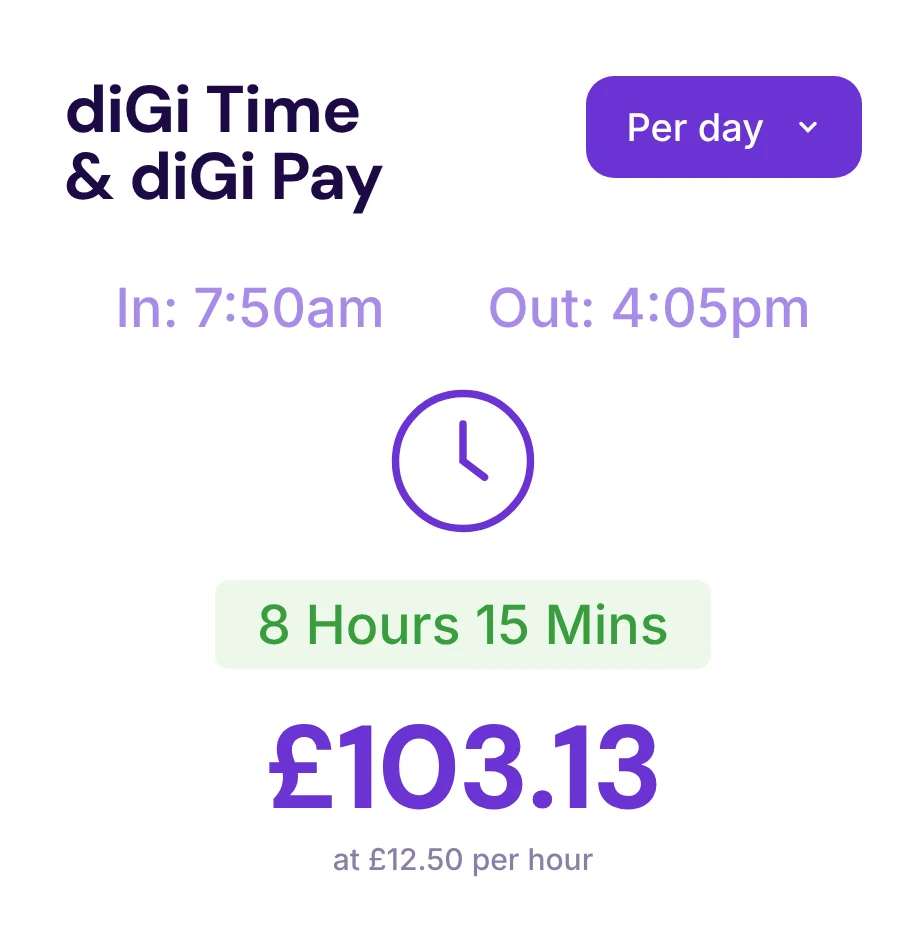
View pay summaries for any period, export them for payroll and keep a full audit trail of every calculation.
Want to see pay calculated from your own rota? Book a demo with our team.
diGi PAY uses the clock-in and clock-out records from diGi TIME, together with approved shifts and attendance.
Yes. diGi PAY supports different pay rates for each person, and overtime rates where you have configured them.
Yes. Export pay reports as PDF or CSV for daily, weekly or monthly periods.
Yes. diGi PAY is part of every diGi TEAM plan, and every plan comes with a 30-day free trial.
Save time, improve accuracy and keep labour costs under control.